
Poor task tracking
Every progress meeting opens with “who is doing what?”
Project costing and timesheets
Use the ERPNext Projects module to plan tasks and phases, log time, and see what each project really costs.
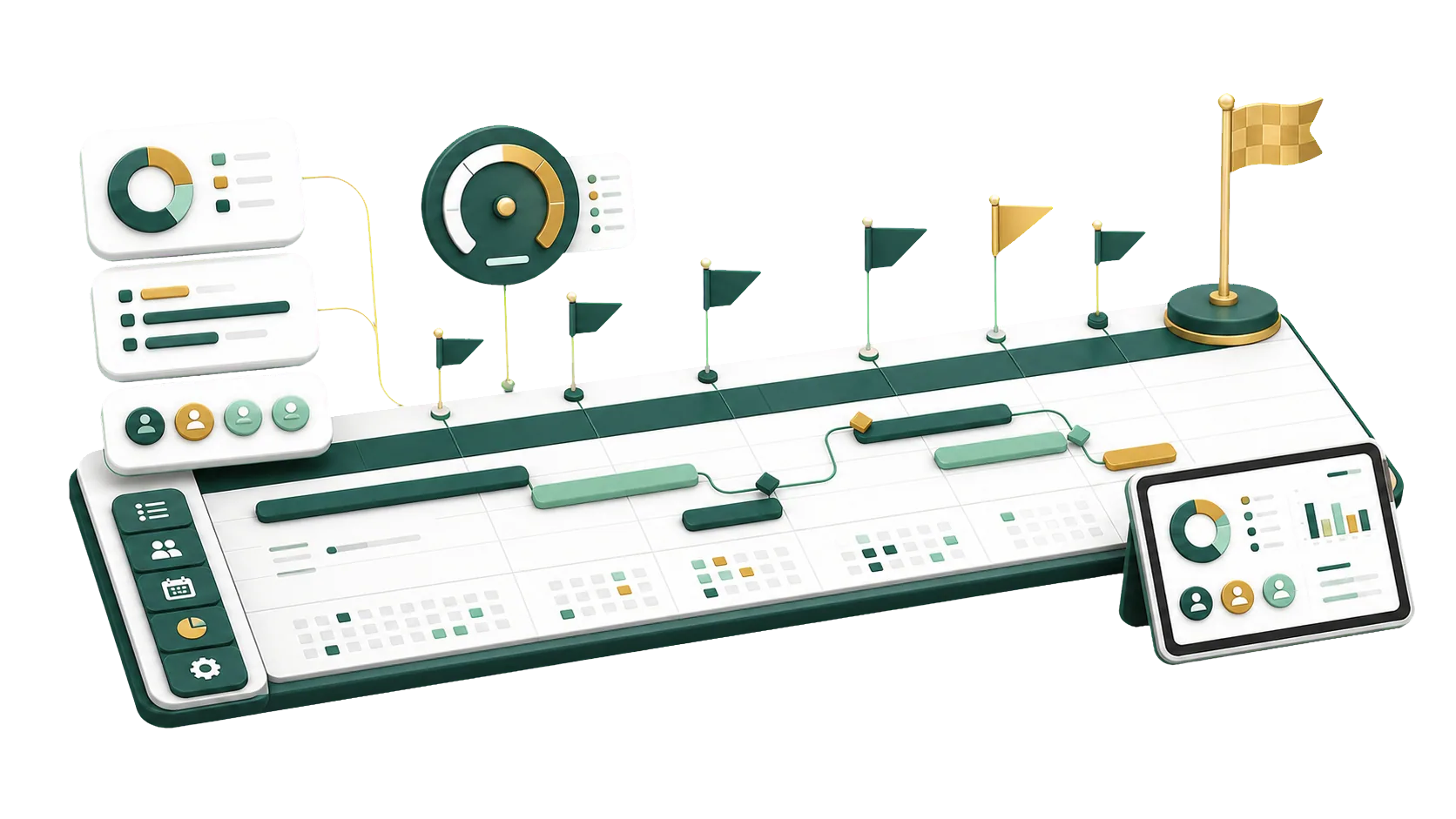
Phases, tasks, hours and costs are all recorded against the project.
The contract is signed. Client details are in an email, the plan in a spreadsheet, site updates on WhatsApp. Three phases in, what has the project cost so far? In ERPNext it all lives on the Project: client, phases, owners, timesheets, expenses and invoices.
The ERPNext Projects module keeps tasks, phases, teams and costs together, linked to sales, purchasing and accounting.
In ERPNext each task has an owner, dates and a status. Everyone knows what is expected of them, and managers see progress without asking.
Every progress meeting opens with “who is doing what?”
Hours were never logged, so when the project closes, its real cost is a guess.
One phase runs late, and the next team hears about it too late to replan.
Site notes stay on the site team’s phones and never reach the office, so decisions wait.
ERPNext reports and Gantt charts show project status, tasks, deadlines and costs. Catch delays early and review how each project performed.
Open, completed and overdue tasks per project, so you know where delivery stands.
Tasks on a timeline, with deadlines and overlaps in view.
Each task’s percent complete, owner and due date.
Hours per task show who is overloaded and who has room.
Hours, expense claims and purchases add up to actual cost and margin.
Tasks past their end date show as Overdue, so a slipping phase is visible before it holds up delivery.
Each person’s tasks, and who owns every phase.
Progress shown next to the amount billed so far.
Project cost is built from timesheet hours at each activity’s costing rate, plus expense claims and purchases booked to the project. Set against what you bill, it gives you the margin.
See what is late in every phase and act before the deadline.
Every task has an owner and a due date, even when several teams share a project.
Timesheets and expenses post to the project, showing what it cost and earned.
Expense claims, invoices and costs stay tied to the project in your accounts.
We tie each project to sales, purchasing, accounting and billing in ERPNext, so tasks, costs and invoices stop running on separate tracks.
Talk to an ERPNext expertWe set up projects around your phases, tasks, team and the reports you check daily.
Activity costs, billing rates and expense claim types, so cost and margin come out right.
Project managers can come back to us with questions long after launch.
Purchases, expense claims and invoices carry the project, so each phase shows its own costs.
Current projects keep running while we set up the next ones in ERPNext.
We learn how you run projects today and where delivery and tracking break down.
Phases, standard tasks, permissions and costing rates, set up once and reused on each new project.
We switch on the Projects module and link it to sales, purchasing and accounting.
We train your team to manage tasks, time, costs and reports on their own.
Yes. It handles tasks, timesheets and project cost, and we set it up for the way you deliver work.
Split a project into phases and tasks, then track progress, owners and deadlines.
Yes. Timesheets record hours against the project and its tasks, keeping actual cost current.
Yes. Sales invoices and costs link to the project, so progress, cost and billing show on the same project.
Yes, if you want project work out of scattered files and chat threads.
Pick the service you need, leave your details, and we will get back to you shortly.
Send us the phase list from a recent project, and we’ll show you how its hours, costs and invoices would be tracked in ERPNext.
Project cost draws on timesheets, purchases and expense claims, and billing runs through Accounting, so those modules are worth planning together.