
No single view of projects and operations
Site progress is in the engineer’s weekly report, purchase orders are with the buying team, and costs reach finance at month-end. Management sees each project in pieces.
ERPNext industry solutions
When projects, accounting and purchasing each run in a separate system, costs slip out of sight until the phase is over. IBAN brings them together on ERPNext for contractors in Saudi Arabia.
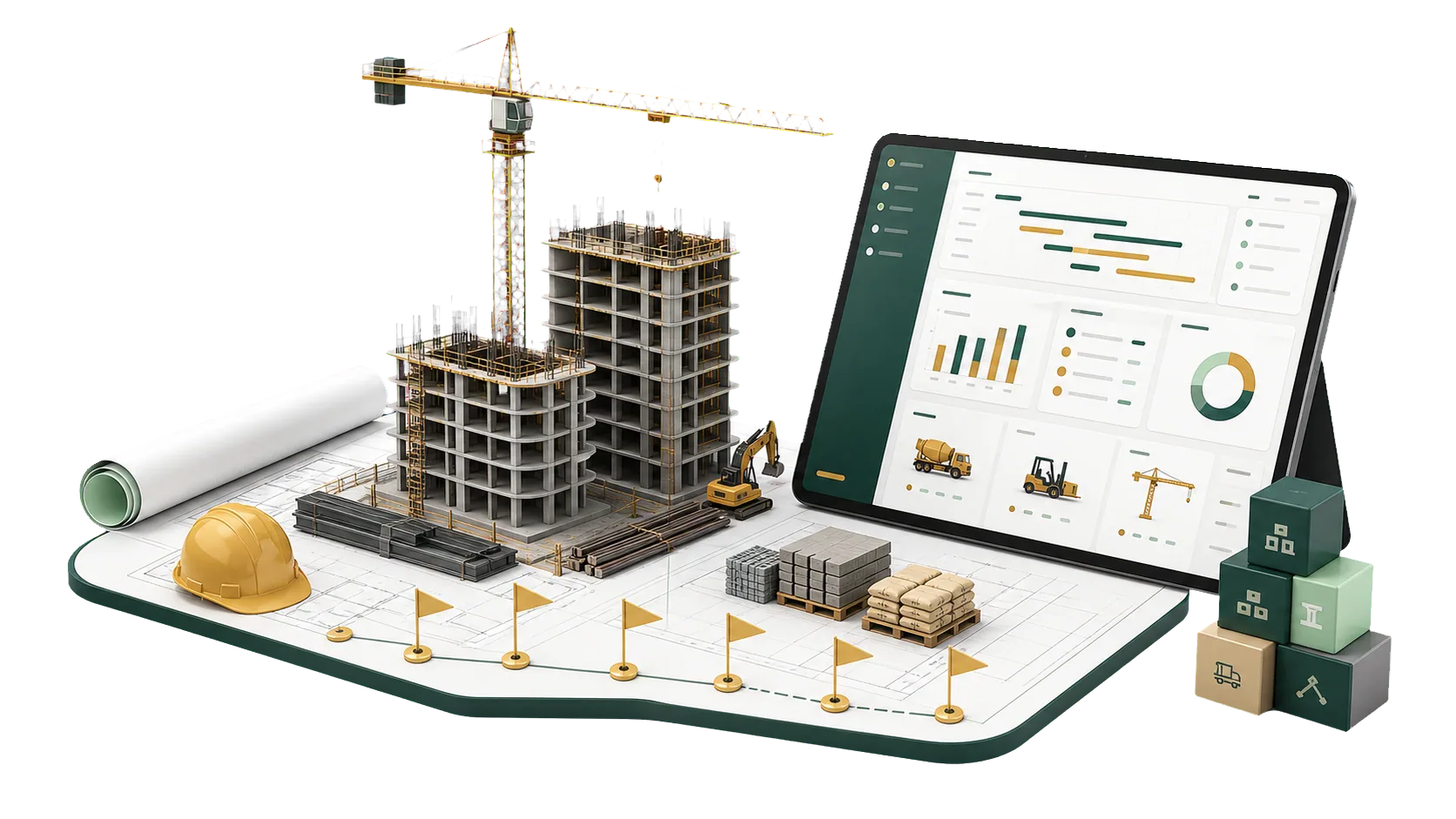
Contractors in Saudi Arabia describe the same problems to us again and again. Most of them trace back to project data split across several systems.
Site progress is in the engineer’s weekly report, purchase orders are with the buying team, and costs reach finance at month-end. Management sees each project in pieces.
When planned and actual progress are compared by hand, a delay is found after it has already pushed back the next phase.
If BOQ items are not tied to actual spending, an overrun appears when the phase closes. By then the money is gone.
Engineering, finance and purchasing work in separate tools. Requests get entered twice, approvals wait, and no one can see which desk is holding them.
Before each progress meeting, someone gathers figures from every site by hand. Checking them can take longer than the meeting itself.
Interim claims, retentions and subcontractor payments depend on the contract terms and on what the site has finished. Tracked apart from both, claim amounts and balances drift.
Planning, execution, accounting and purchasing connected, from tender documents to progress claims. Standard ERPNext covers projects, budgets and purchasing. The BOQ and progress claim documents are added during implementation.
The day-to-day work, and where each part of it connects to the accounts and to your reports.
Set a Budget for each project or cost center, and ERPNext can warn or block a purchase that goes over it. You see the overrun when the request is made.
With contract lines tied to the BOQ and to actual spend, each interim claim is built from recorded progress, and the figures match what the site reports.
Project reports show completion percentage, schedule variance and cost per line item before the site meeting starts.
Purchasing, stores, HR and accounts post to the same project. A site request moves from Material Request to Purchase Order to receipt without being keyed in again.
A dashboard for each project shows work completed, money spent, and the budget and time still left.
The path a contractor follows on every project, in the order we set it up in ERPNext. From the BOQ onward, each step is recorded and linked to the one before.
Get the tender package and study the scope of work and technical requirements.
Break the work into items, with quantities and specifications for each.
Materials, labor, equipment, subcontractors, overheads, contingency and margin.
Collect supplier quotations for materials and services to check your prices.
Roll every line into a cost sheet, then prepare the technical and commercial offer and submit it.
Sign on the agreed terms, set up the project, allocate resources and issue purchase orders.
Carry out the work and get materials to site on time.
Bill finished work through interim progress claims.
Follow the project’s financial and technical progress in reports and dashboards.
We know how contracting companies run projects, and we set ERPNext up around that, from the first review of your workflow to support after go-live.
Yes. Projects and contracts are linked to purchasing, stock, costs and accounting, so you can follow progress and profit project by project.
Not as standard documents. ERPNext has no built-in BOQ or progress claim, so we add them during implementation on top of Projects, Budget and Sales Invoice. The BOQ then links to costs and purchasing, and each interim claim carries its payments, penalties and retentions.
You set a Budget against the project or cost center and choose whether ERPNext warns or stops a transaction that exceeds it. The overrun is caught at the purchase request instead of at the end of the phase.
Yes. Suppliers and subcontractors go through the same purchasing cycle, and their orders and payables are linked to the project.
Yes, and this is one of its main uses in construction. Each project keeps its own phases, costs and expenses, and management can compare them side by side.
Book a consultation. We look at your projects and how work moves between site and office, set ERPNext up around your company structure, train your team, and stay on for support.
Pick the service you need, leave your details, and we will get back to you shortly.
We start by looking at how you work today, then agree on the modules, integrations and reports you need before implementation begins.
Talk to an ERPNext expert