
Requests spread across channels
Some come to the sales rep, some to a technician’s phone, some to the general inbox. Nobody sees the full list.
Support ticketing system
Manage customer tickets and service level agreements (SLAs) in the ERPNext helpdesk, and track response and resolution times.
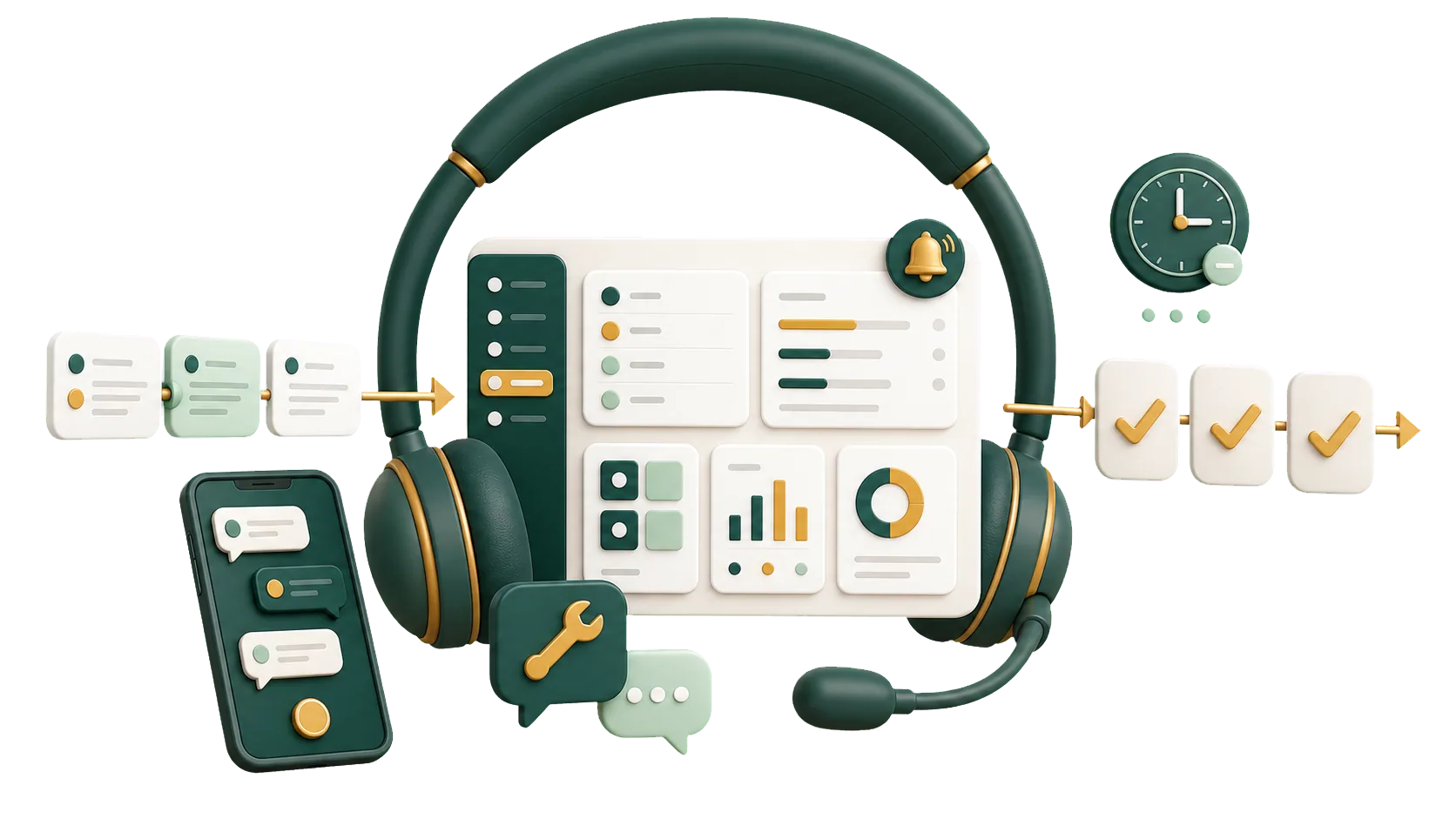
Tickets and replies are kept in ERPNext, next to the customer’s orders, invoices and warranty claims.
A customer calls about a faulty device, then emails, then messages the sales rep. Three people hear the same complaint, and none of them knows when the customer last got an answer. The ERPNext helpdesk logs each request as a ticket with a status and an owner. Link it to the customer, and the team sees what was done and what is still waiting.
We set up the ERPNext helpdesk for companies that want every customer request answered and traceable.
Most support teams lose requests in the same four places.
Some come to the sales rep, some to a technician’s phone, some to the general inbox. Nobody sees the full list.
A ticket without an assigned person waits in the queue, and so does the customer.
Two people chase the same complaint while another request goes untouched.
Without reports on repeat faults, management can’t tell what to fix in the product or service.
What the helpdesk gives your team day to day, from the first email to the warranty repair.
Log each customer request as an Issue and move it from Open to Resolved to Closed.
Each Issue carries the customer, the contact and, where relevant, the project.
Assign every ticket to a person, by hand or with assignment rules.
Emails and comments stay on the ticket, where the whole team can read them.
Set a Service Level Agreement per priority and see which tickets have missed it.
A fault on a product you sold goes on a Warranty Claim with the item, serial number and warranty status. A Maintenance Visit records the repair.
Ticket volume, recurring issue types and response times.
With an owner and a response target on each ticket, fewer requests are forgotten.
Every request follows the same path: log the ticket, assign an owner, follow the replies, close it. Anyone who picks up the ticket can see where it stands.
Status, owner and next step are on the ticket, so there is no need to ask around.
From the ticket, open the customer record and see what they raised before.
A manager reviewing a complaint reads the whole exchange in one place.
Open tickets and repeat issue types point to where service is slow.
Turning on tickets is the easy part. Deciding how requests come in, who picks them up, what counts as urgent and when a fault needs a Warranty Claim takes more thought, and that is where we help.
Talk to an ERPNext expertIssue types, priorities, SLAs and permissions follow the way your support team already splits its work.
Before any setup, we look at how requests reach you today and which ones keep coming back.
When an SLA or assignment rule needs changing, the IBAN team in Saudi Arabia handles it with you.
Agents open the customer record from the ticket instead of hunting through old emails.
Customer tickets are on record from the day you go live.
We look at where requests come from, what kinds of tickets you get and who handles which.
We define issue types, priorities, SLAs, assignment rules and permissions.
We set up the helpdesk, link tickets to customers and contacts, and add Warranty Claims if you service products.
Your team practices logging tickets, replying from ERPNext and closing requests.
Yes, if you want every customer request logged with its replies and a status the whole team can see.
Yes. Each request becomes an Issue with a status, priority, owner and reply history, and it is closed once resolved.
A ticket links to the customer and contact, so the team sees past requests and what was done. Devices are tracked separately: a Warranty Claim records the item, its serial number and warranty status.
Yes. You assign requests to people and track open, overdue and closed tickets, so everyone knows what they own.
Yes. Support reports show which requests recur and which kinds of issues point to a product or service problem.
Pick the service you need, leave your details, and we will get back to you shortly.
We set up the helpdesk around the way your team works, so each request has an owner, a deadline and a reply history.
Tickets draw on customer records from CRM, and warranty claims on the items and serial numbers from Inventory.