
Branch requests filled late
Branches ask by phone, and the warehouse has to work out what is needed before anything moves.
Warehouse and stock control
The ERPNext Inventory module handles items, warehouses, stock counts and stock movements, linked to sales and purchasing.
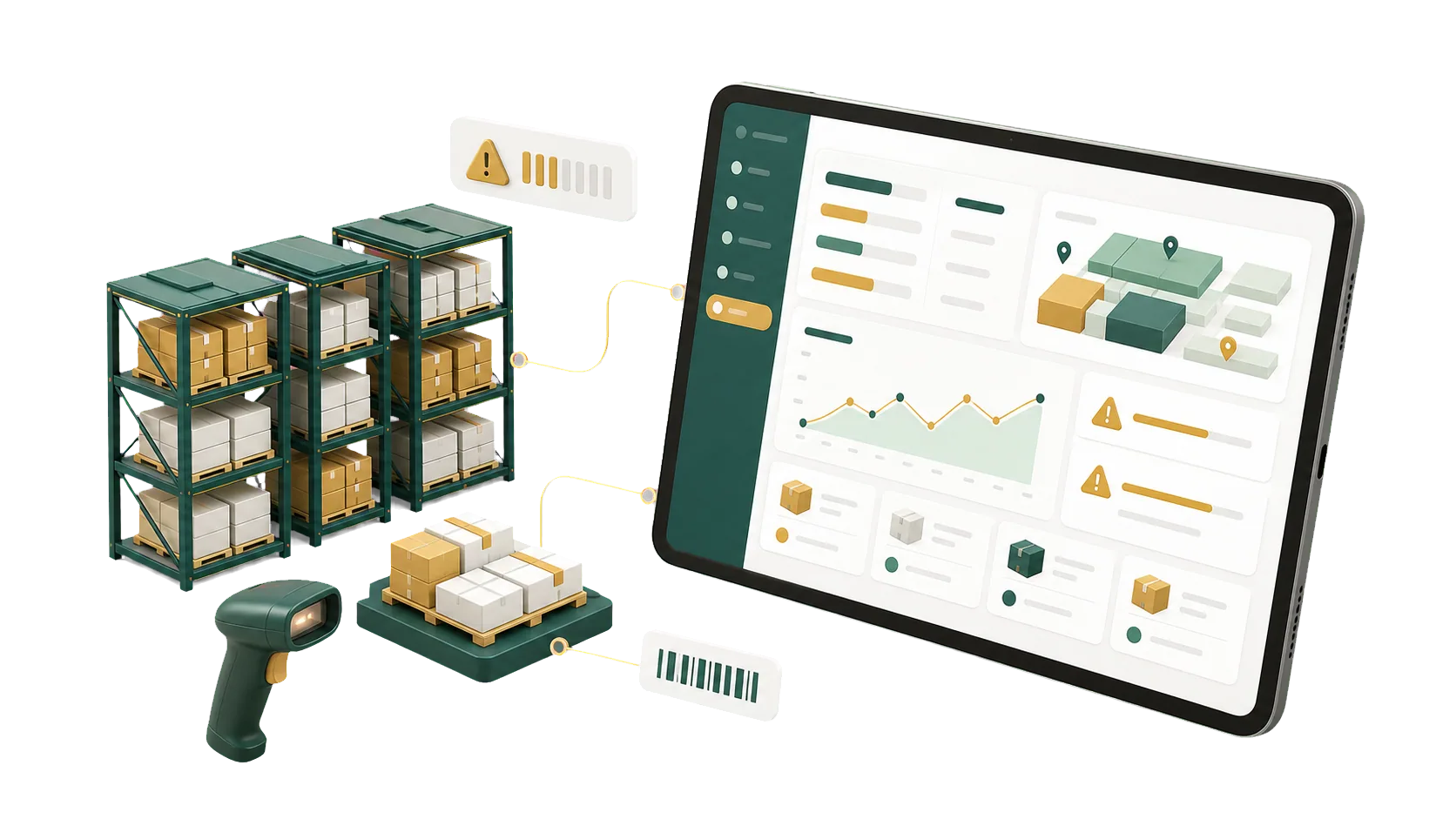
Items, warehouses, batches and serial numbers, with every stock movement on record.
The count comes back and doesn’t match the system. The spreadsheet can’t tell you why, and the gap widens as items, warehouses and orders grow. In ERPNext, every receipt, transfer and delivery posts to the Stock Ledger, and a Stock Reconciliation brings the books back in line with the shelf.
Warehouse management software for receiving, transfers, deliveries and counts, whether you run one warehouse or several branches.
A branch raises a Material Request. The warehouse sees it next to current stock and either transfers the items or passes the request to purchasing. Anyone can check where it stands.
Branches ask by phone, and the warehouse has to work out what is needed before anything moves.
Each branch reports its own number. Transfer stock or buy more? Hard to say.
Requests arrive by call, message and paper. Some get forgotten; others get placed twice.
Branch, warehouse and purchasing each keep their own list, and chasing eats the day.
Some products still need installing after they leave the warehouse. An Installation Note records what was installed at the customer’s site, with the item, serial number, quantity and status, and ties it back to the delivery.
The Landed Cost Voucher adds freight, customs, insurance and other purchase charges to the cost of your items, so stock value in your accounts reflects what you actually paid.
Freight and customs are added to each item’s valuation rate instead of being booked as a separate expense.
Set selling prices from what the item really cost to get into your warehouse.
Submitting the voucher revalues the stock and posts the adjustment to your accounts.
Freight, customs and service charges are recorded against the Purchase Receipt they belong to.
System stock that doesn’t match the shelf
Items and warehouses in scattered files
Inventory cut off from sales and purchasing
Variances with no trail behind them
Actual and projected quantity for each warehouse
One item master for every warehouse
Receipts and deliveries post to stock and accounts
Counts reconciled, with the difference posted
Inventory projects usually go wrong in the item master: duplicate codes, the wrong units, warehouses that don’t match the building. We sort that out with you before the first receipt is posted.
Talk to an ERPNext expertItems, warehouses, reorder levels and permissions sized to how much stock you move.
We match receiving, issuing, transfers and counts to how your storekeepers already work.
After go-live, your storekeepers can call people who know their setup.
A receipt or delivery updates quantity and value for every team at once.
Four steps from the first warehouse review to go-live, while your warehouse keeps shipping.
We look at how stock moves today and where branches and warehouses lose track of it.
Item codes, units, warehouses, permissions and reorder levels.
Receipts, deliveries and stock entries are connected to sales, purchasing and the stock accounts.
We train your team on receiving, issuing, transfers and stock counts.
Yes. It handles items, warehouses and stock movements, and we set it up for the way your warehouses run.
Each warehouse keeps its own balance, and the Stock Balance report shows them side by side.
Yes. Purchase Receipts and Delivery Notes move stock against their orders and post the accounting entries.
Yes. Enter counted quantities in a Stock Reconciliation and ERPNext adjusts the quantity and stock value.
Yes. Turn on batch or serial tracking per item, and every transaction records it.
Pick the service you need, leave your details, and we will get back to you shortly.
Give us a rough picture of your warehouses and how many items you carry, and we’ll tell you how we would set up ERPNext for them.
Sales, purchasing and manufacturing all read the same stock figures, so the next module you add starts with the right quantities.