Quality problems found too late
Skip the check at receiving and a bad batch shows up on the production line or at the customer, where it costs more to fix.
Quality inspection and control
Run inspections, set acceptance criteria and document quality procedures in ERPNext, linked to manufacturing and inventory.
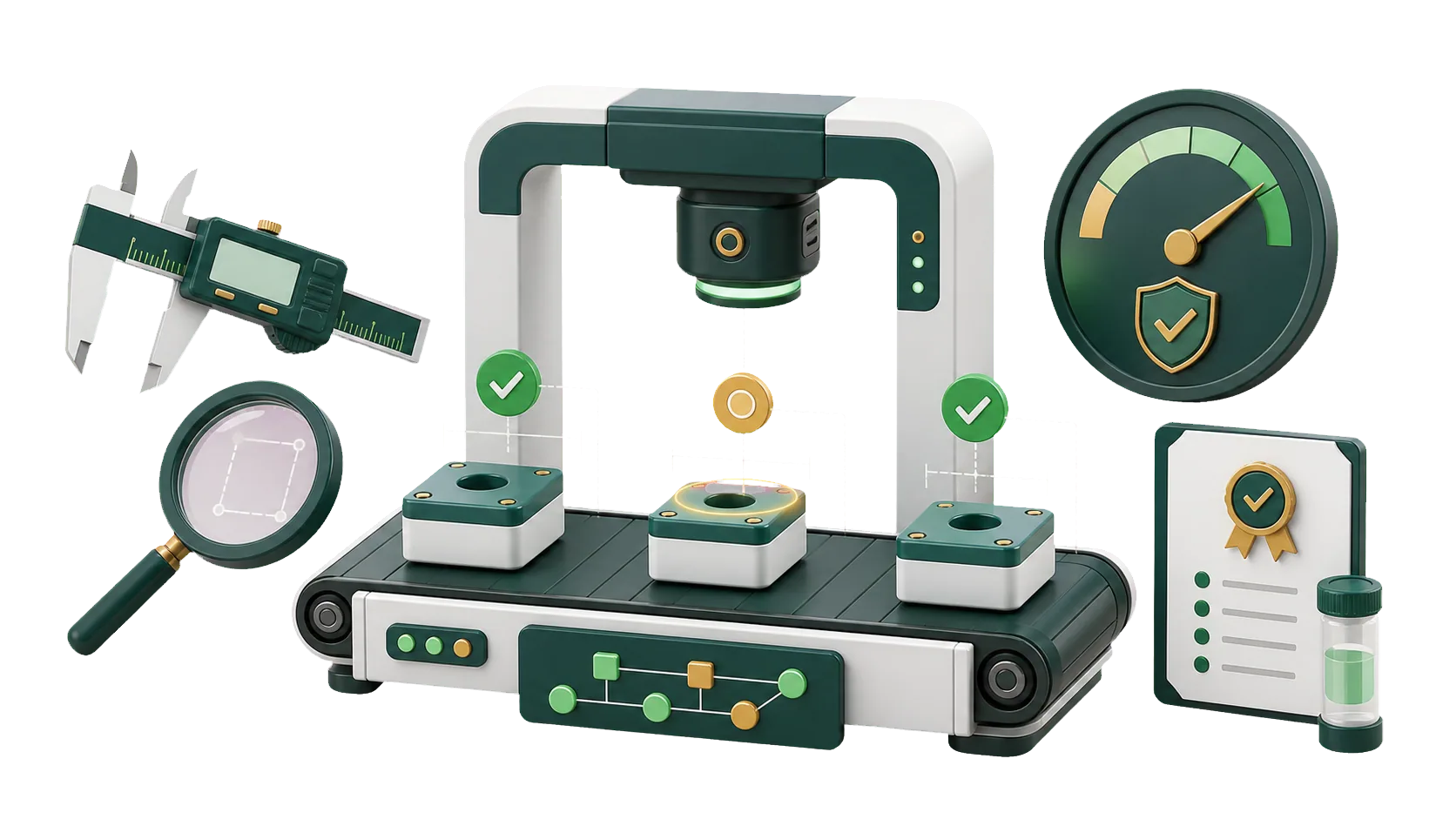
Inspections, non-conformances and corrective actions, each saved against the goods or process it concerns.
A delivery fails its moisture check at receiving. One person posts a photo in a group chat, another adds a line to a spreadsheet, and a week later nobody knows who was fixing it. With ERPNext, the failed Quality Inspection is saved against the item and batch, the fix becomes a Quality Action with a responsible person, and your team and management follow the same record to closure.
Whether you inspect incoming goods, finished products or both, we can scope the quality setup with your team.
Quality problems are rarely hidden. They are found late, recorded loosely, and patched without finding the cause.
Skip the check at receiving and a bad batch shows up on the production line or at the customer, where it costs more to fix.
Messages record that something went wrong. They rarely record the cause, or who agreed to fix it.
An issue that never becomes an action with an owner comes back later in the same process.
Without reports, management can’t see which defects recur or where inspection has to change.
Receiving, production, the warehouse and management read the same inspections and actions, each tied to the document it came from.
Record readings against an inspection template for each item or batch, and mark the result accepted or rejected.
Remarks stay on the inspection for that item, and process problems on a Non Conformance.
Record each Non Conformance with the procedure it affects, the process owner, and the corrective and preventive action.
Each Quality Action has a responsible person and a status, so the fix is tracked until it closes.
Make inspection mandatory on purchase receipts and deliveries for the items that need it.
Keep the agenda, minutes and decisions in a Quality Meeting.
Filter inspections by item and date, and non-conformances and actions by status.
Inspection templates and acceptance criteria for each item you buy, make or ship.
A Quality Meeting in ERPNext holds the agenda and the minutes, including what was decided. Quality, operations and management then follow up on the same list.
Minutes and decisions are saved on the meeting record, ready for the next review.
Each minute can reference the Quality Review or Quality Action under discussion.
A decision becomes a Quality Action with a responsible person and a status.
Open and closed actions across meetings show whether quality is actually improving.
An inspection only helps if it happens at the right moment. We decide with you which items get checked, at which stage, and what happens to goods that fail.
Talk to an ERPNext expertAcceptance criteria and permissions come from the specifications you already work to.
Receiving dock, production line or customer complaint: we look at where problems show up today before setting anything up.
When a new product needs a template or a check moves to a different stage, the IBAN team updates it with you.
We connect inspections to inventory, purchasing and manufacturing, so checks happen when goods arrive, are produced or ship.
Work on the floor carries on while we set things up.
We look at how you inspect today, where problems appear, and how issues and actions get recorded.
We build inspection templates, quality criteria, approval steps and permissions with your quality team.
We switch on quality management and connect it to inventory, purchasing or manufacturing, depending on your operations.
Inspectors practice recording results, and supervisors practice following up on issues and closing actions.
Yes, for companies that want inspections, quality issues and non-conformances recorded against the goods and processes they affect.
Yes. Inspections can be required on purchase receipts and deliveries, so a product is checked before it enters stock or leaves for a customer.
Yes. Readings and remarks go on the Quality Inspection for the item or batch, and wider problems go on a Non Conformance for the procedure where they happened.
Yes. Record the Non Conformance and its details, then set the corrective and preventive action so it doesn’t recur.
Yes. Follow up with a Quality Action that names who is responsible and tracks its status, so the quality team sees what’s done and what’s still open.
Pick the service you need, leave your details, and we will get back to you shortly.
We build inspection templates and follow-up around your products, so every failed check leads to a recorded fix.
Inspections are triggered from Purchasing, Inventory and Manufacturing. Explore those modules and the rest of ERPNext below.