
Scattered employee data
Salary in one file, allowances in another, deductions in an email. Checking one payslip means opening all of them.
HRMS built on ERPNext
The ERPNext HR & Payroll module handles employee records, payroll, leave and attendance, all linked together.
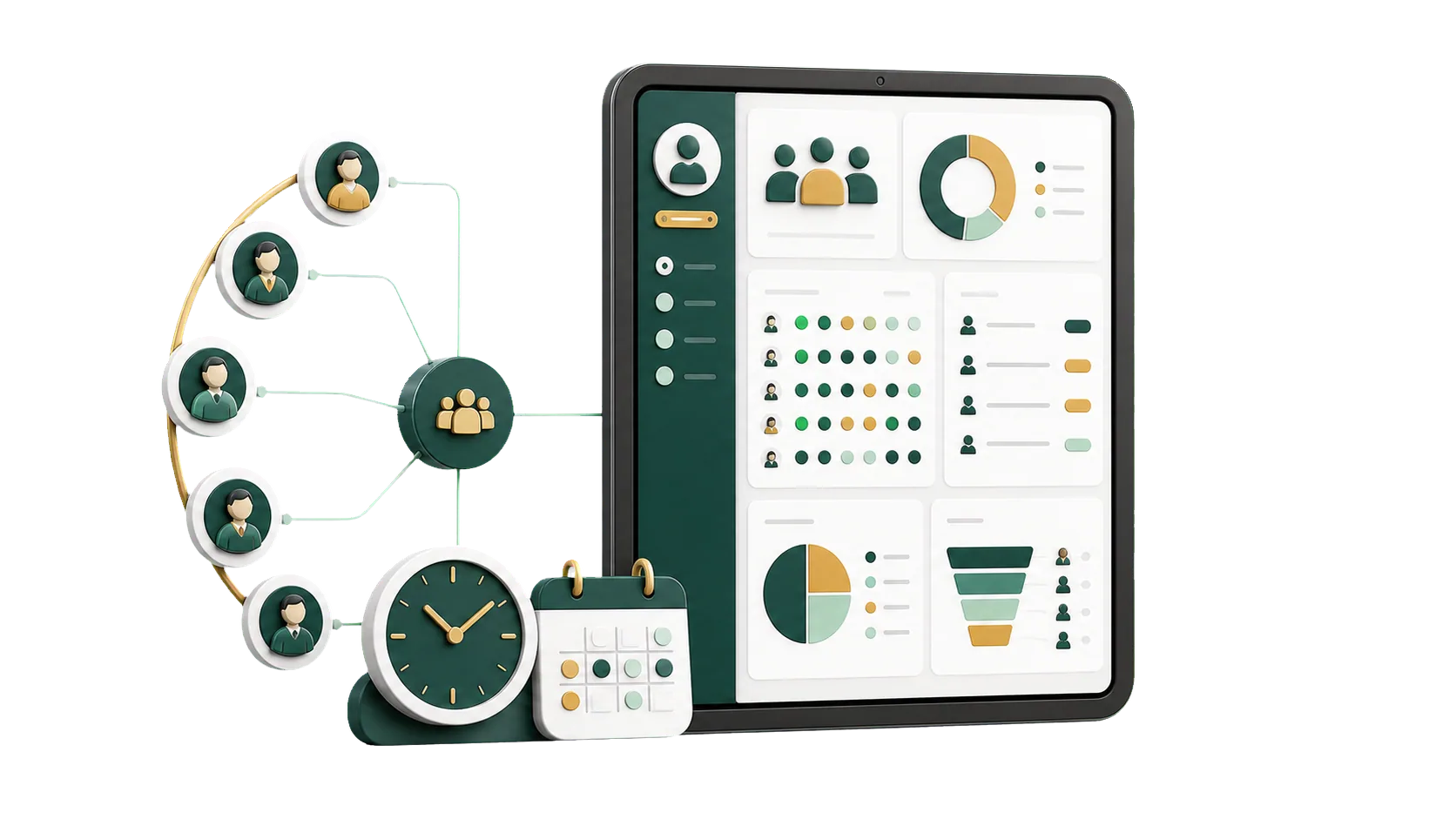
Salary structures, leave policies, shifts and end-of-service benefits, set up once and used every month.
Once a company has more than one branch, HR data tends to split into separate files per location. ERPNext keeps each employee on a single record, grouped by department, branch and job title, and ties attendance and leave to the payroll run.
Monthly payroll, leave balances and end-of-service benefits, calculated from the rules we agree on with you.
Last week of the month, and HR is still matching attendance sheets to leave forms and advances. In ERPNext, attendance, approved leave and deductions are already on the employee record, so the Payroll Entry builds salary slips from real figures.
Salary in one file, allowances in another, deductions in an email. Checking one payslip means opening all of them.
Attendance lives in one sheet and payroll in another, and the two rarely agree at month-end.
Leave requests wait in inboxes and advances get approved late, so payroll closes with surprises.
When leave, advances and deductions aren’t tied to attendance, explaining a change in someone’s pay turns into guesswork.
Track leave requests, balances and public holidays by company policy, and let attendance, payroll and daily reports pick up the results.
The employee submits a leave application, the manager approves it, and HR sees the updated balance.
Set public holidays and weekly days off per company or branch, and leave calculations skip them.
Check-ins are recorded against each shift, with late entries marked by your rules.
Absences and leave without pay reduce payment days on the salary slip, so pay matches the month.
Each employee’s allocation, what they have used and what is left for the period.
Each request goes straight to the employee’s assigned leave approver.
The monthly attendance sheet and leave balance reports show who was in and who was off.
Attendance, holiday and leave rules for each branch or department.
Advances and expense claims go through review and approval in ERPNext, then post to accounts. The employee and HR both see where each request stands.
Track each Employee Advance from request to settlement. Staff loans run through the Frappe Lending app, which we add if you lend to employees.
Employees attach receipts, and managers approve or reject on the claim itself.
Recover an unsettled advance from salary, and pay approved expense claims to the employee.
Every request shows who submitted, reviewed and approved it.
The hard part of an HR & Payroll rollout is the rules: how salaries are built, which leave each grade gets, how shifts and lateness count, and how end-of-service benefits are calculated. We settle those with HR and finance, then set them up in the system.
Talk to an ERPNext expertSalary structures with your allowances and deductions, and payroll runs that post to accounts.
Leave policies for each grade, holiday lists per branch, and shift types with your late-entry rules.
End-of-service benefit rules (Gratuity Rules in the system) set up for your contracts, plus employee advances and expense claims.
HR can reach us during the first payroll runs and long after them.
Four steps, from your current payroll rules to the first payroll run in ERPNext.
We go through your salary components, leave entitlements, working hours and end-of-service terms.
Salary structures, leave types and policies, holiday lists, shift types and Gratuity Rules.
We load employee records, assign structures and leave policies, and link payroll to accounts.
HR learns attendance, leave, advances and expense claims, then runs the first payroll in ERPNext.
Yes. HR & Payroll runs on Frappe HR, the HR app from the makers of ERPNext. It covers employees, attendance, leave, payroll and end-of-service benefits, and we set it up to your company rules.
Yes. Employees are grouped by company, branch and department, and reports and permissions follow the same lines.
Yes. Absences and leave without pay reduce payment days on the salary slip, so payroll picks them up without re-entry.
Leave approvers, expense approvers and role permissions all follow your management structure.
Yes. A small company can start with employee records, leave and payroll, and add shifts or advances later.
Pick the service you need, leave your details, and we will get back to you shortly.
We’ll review your salary components and leave rules with you and show how they would run in ERPNext, from check-in to salary slip.
Payroll entries post to Accounting, and Projects uses the same employees for timesheets and project cost.