
Slow shift closing
The drawer gets counted twice, and the card total still doesn’t match the terminal slip.
POS software connected to ERP
Run your tills on ERPNext and every shift closes into stock and accounts, branch by branch, with cash and card counted separately.
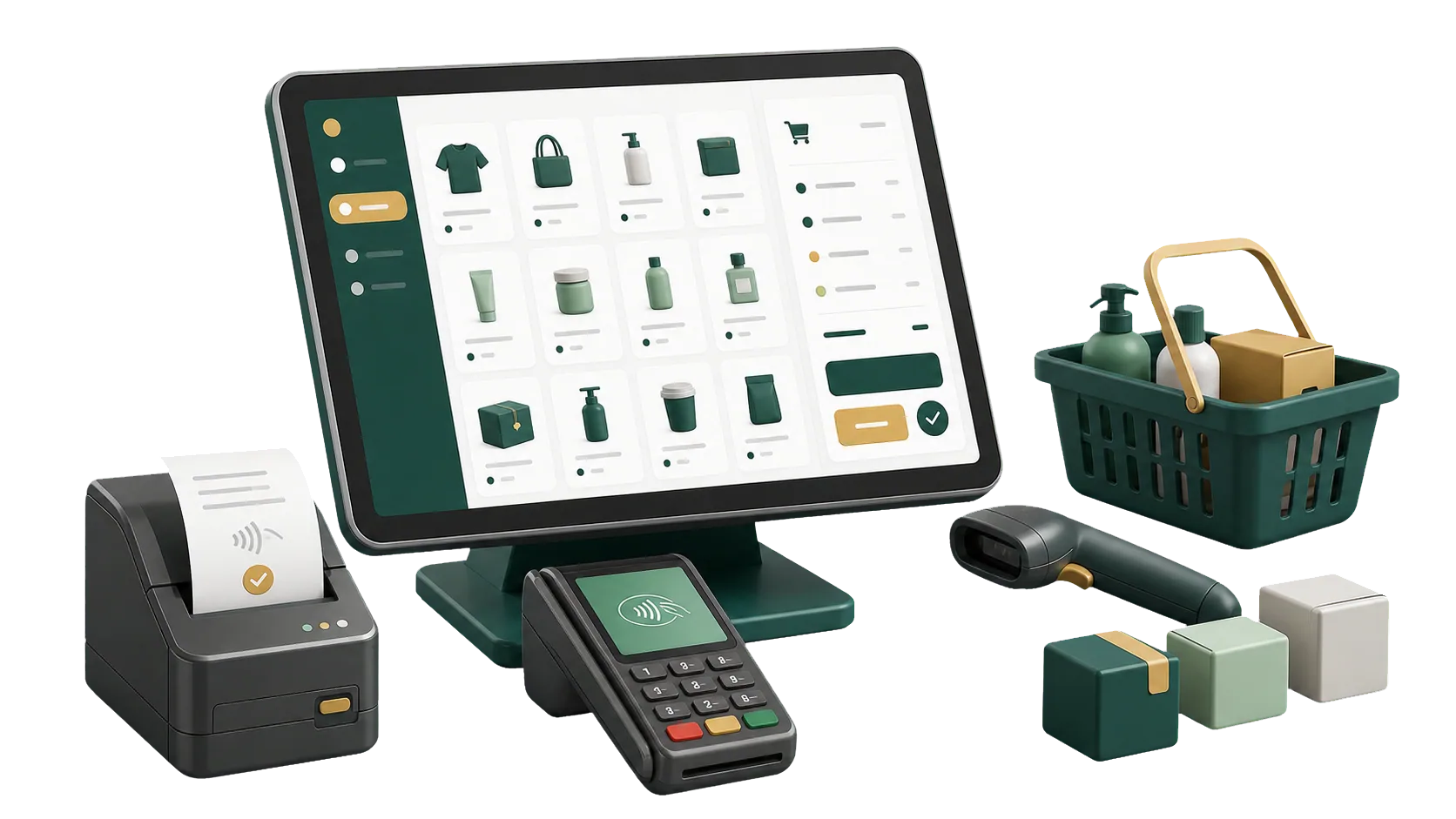
In ERPNext the cashier screen is part of the ERP, so the day’s sales reach five parts of the business:
For the owner, that means stock, accounts and branch reports come from the same closed shifts, so they agree without a reconciliation exercise.
Items, barcodes and prices are loaded before go-live, so on the first morning your cashiers open a screen that is ready to sell.
A cashier who has to guess a price holds up the whole queue. So the work starts earlier, in the item master: barcodes, price lists and tax templates, each tied to the branch that sells them. ERPNext POS is open source, and because it runs inside ERPNext, the till and the warehouse share one item list.
One store or a chain of branches: tell us how you sell, and we will scope the POS setup with you.
A shift opens with a cash float in the POS Opening Entry. It closes with a POS Closing Entry that compares what each payment method should hold with what the cashier counted. Four things usually go wrong before that is in place.
The drawer gets counted twice, and the card total still doesn’t match the terminal slip.
The till is short. Because cash and card were never totaled separately, you can’t tell which side the gap is on.
Receipts in a drawer, card slips in a folder, credit sales in a notebook. Reviewing one day takes an afternoon.
Each branch reports its own figures, whenever the manager gets around to sending them.
Each store or branch in ERPNext POS has its own prices, warehouse, cashiers and payment methods, all set in its POS Profile.
Run several branches or tills, each with its own POS Profile, and see sales by location.
Give each store its own Price List, or use pricing rules for customer groups and promotions.
Add cashier users to each POS Profile, with only the permissions their shift needs.
Each POS Profile points to the branch warehouse, and the cashier can check available quantity before selling.
We set up a separate naming series for each POS Profile, so every till can be reviewed on its own.
Cash, card and other payment modes on the same screen.
Sales by store, cashier or period, straight from ERPNext reports.
The sales screen, taxes and receipt print format match how each store runs.
ERPNext numbers POS invoices in sequence. A separate series per branch takes some setup, which we do during implementation. Each invoice carries its payment, and after closing it is part of the Sales Invoice that moved the stock.
A POS invoice goes from the till to the closing entry and into a consolidated Sales Invoice, so any sale can be traced.
A separate series for each store or till makes the daily review quicker.
Each invoice records how it was paid: cash, card or a split between methods.
At shift close, the POS Closing Entry compares expected and counted amounts for each payment method.
The POS screen comes with ERPNext, and a ZATCA compliance app adds the QR code. Making them work in your stores is setup work: profiles, prices, payment accounts, numbering, and cashiers who know how to close a shift.
Talk to an ERPNext expertBefore setting anything up, we look at your branches, tills, shift pattern and the ways customers pay.
Each one gets its warehouse, price list, payment methods and cashier users, with pricing rules where you run offers.
Opening and closing entries, invoice numbering per branch and payment accounts are set up so each closing posts to stock and accounts.
Cashiers learn the sales screen, supervisors learn the closing entry, and the IBAN team supports both after go-live.
We move your tills to ERPNext in four steps, without interrupting daily sales.
We list your branches, tills, cashiers, price lists and payment methods, and how each shift is counted today.
We build a POS Profile per branch with its warehouse, price list, pricing rules, payment methods, cashier users and invoice series.
Each payment method gets its account, and we test full shifts, opening to closing, until sales post correctly.
Cashiers practice selling and taking split payments, supervisors practice closing a shift, and we follow the first live closings with you.
Yes. It suits stores and branches that want the cashier screen tied to stock, invoices and payments, set up around their daily routine.
Yes. A POS Opening Entry starts each shift and a POS Closing Entry ends it, listing each cashier’s invoices and collections by payment method.
Yes. Each POS Profile sells from a branch warehouse. During the shift, sold quantities show as reserved for POS, and the stock is deducted when the shift is closed.
Yes. Each store or till gets its own POS Profile with prices, warehouse and users.
Yes. One sale can be split across cash, card and other methods, and the closing entry totals each one.
Pick the service you need, leave your details, and we will get back to you shortly.
IBAN sets up ERPNext POS for your stores, from the first POS Profile to the first closed shift, with every sale traceable from till to accounts.
Stock comes from Inventory, replenishment from Purchasing, and each shift’s takings land in Accounting.