Showroom managers raise these in almost every first meeting. Most of the answers are already in standard ERPNext; the rest is setup.
Customer and vehicle data in different places
A customer asks whether the white model from the brochure is still available. The salesperson checks a stock sheet, phones the yard and gets back to the customer an hour later, by which time the customer may have gone elsewhere.
Slow follow-up on quotes and reservations
When the opportunity, quotation and sales order are separate papers, finding out where a deal stands takes a round of questions. In ERPNext the Sales Order is created from the Quotation, so the history carries over.
Which cars are actually available?
Sales needs to know what is in stock, what is on order and what is already promised to someone. Stock Balance shows quantities per warehouse, and Stock Projected Qty adds what is on order and what is reserved.
Inconsistent prices and offers
Without set price lists, two branches can quote different prices for the same model. ERPNext keeps Price Lists and Item Prices for selling and buying, in more than one currency.
The same deal entered twice
Entering a deal in sales and then again in stock records doubles the work, and the chance of a wrong VIN.
Hard to track each car individually
Every car is a unique unit. Set it up as a serialized item with the VIN as its serial number, and ERPNext won’t submit a Delivery Note until the VIN is entered.
Key features
What ERPNext gives a car dealership
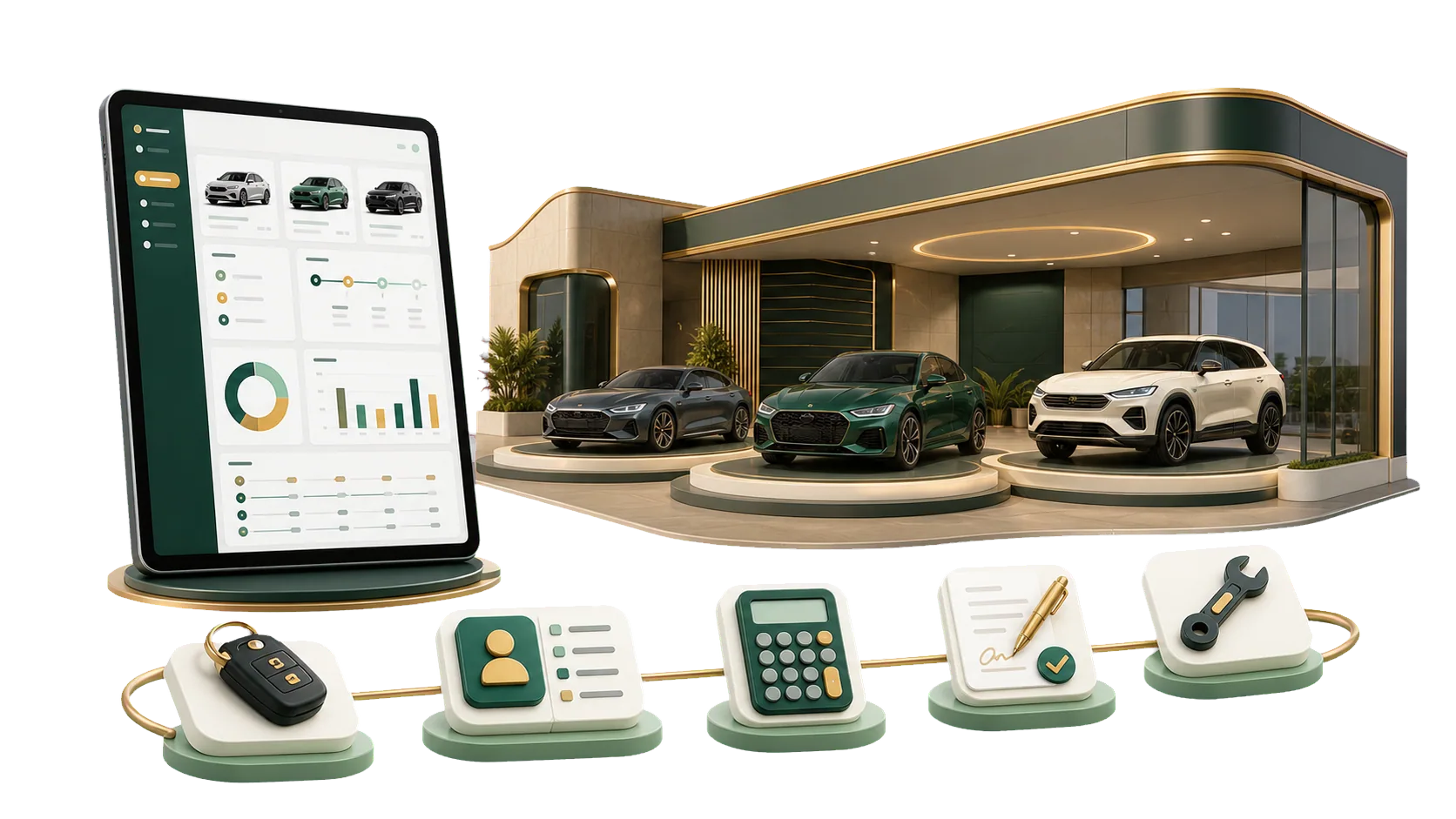
Showroom work from the first customer contact to the invoice and after-sales visits, without side files or double entry. ERPNext has no dedicated dealership module, so vehicle details are handled with the standard Sales, Inventory and CRM modules.
Sales and customers
Leads and opportunities assigned to each salesperson
Customer records shared across branches, so a returning buyer is recognized anywhere
Warranty claims and service visits linked to the customer and the car’s VIN
Dealership inventory management
A stock ageing report that shows how long each car has been waiting for a buyer
Serial number history from Purchase Receipt to Delivery Note
Available and reserved cars for each branch warehouse
Finance and compliance
Financial reports that update as invoices are submitted
ZATCA (Zakat, Tax and Customs Authority) e-invoicing through a compliance app added to ERPNext
Runs in the browser on desktop, tablet and phone
In practice
ERPNext for Car Showrooms in practice
The day-to-day work, and where each part of it connects to the accounts and to your reports.
Customers and quotations
A walk-in becomes a Lead, a serious inquiry becomes an Opportunity, and the offer goes out as a Quotation. The salesperson and the sales manager see the same history.
Every car tracked in inventory
With each car registered as a serialized item, you can see whether a given VIN is in stock, reserved or delivered. The Delivery Note records exactly which car left the showroom.
Pricing by customer group or currency
Keep separate price lists for different customer groups, or set prices by currency. Each quotation picks up the price that applies to that customer.
Sale linked to delivery and invoice
The Sales Order becomes a Delivery Note and then a Sales Invoice. Accounts Receivable then shows what each customer still owes.
Follow up from any device
ERPNext runs in the browser, so the showroom manager can check stock, quotations and collections from a phone.
ERPNext
Car Showrooms dashboardLive view
Open orders48▲ +12%
Invoices this month126▲ +9%
Collected82%▲ +4%
Open tasks31▲ +6%
Monthly revenue
JanFebMarAprMayJun
Key items
1Customers and quotations48
2Every car tracked in inventory126
3Pricing by customer group or currency82%
4Sale linked to delivery and invoice31
Status breakdown
Customers and quotations
Every car tracked in inventory
Pricing by customer group or currency
Sale linked to delivery and invoice
Getting started
How we get your car showroom started
Four steps, from the first call to support after go-live.
01
Free consultation
A first session to learn your showroom size, your branches, and how you sell and collect today.
02
Analysis and preparation
We study how you work now and define the modules, reports and user permissions you need.
03
Implementation and training
We set up the system, link sales to stock and accounting, then train your showroom team.
04
Ongoing support
Technical support and advice after go-live, with more modules added as the showroom grows.
Why IBAN
What you get with IBAN
We set the system up around how your showroom sells, and we are still there after go-live.
Yes. Leads, quotations, sales orders, deliveries and invoices run as one connected sequence on the standard CRM and Sales modules. There is no ready-made dealership module, so vehicle-specific details such as the VIN are set up during implementation.
Is the system compliant with ZATCA e-invoicing?
Yes, through a ZATCA compliance app added to ERPNext. We install and set it up as part of implementation.
Can I track slow-moving cars in stock?
Yes. A stock ageing report shows how long each car has been in stock, which helps you decide when to adjust the price or run an offer.
Can each car be tracked individually?
Yes. Register each car as a serialized item with its VIN as the serial number. The Delivery Note then records the exact car handed over.
Does the dealer management system support multiple branches?
Yes. Each branch can have its own warehouse, user permissions and reports, while customer records are shared across branches.
Does the system work on mobile?
Yes. It works in any modern browser, including on phones and tablets.
Contact us
Tell us about your project.
Pick the service you need, leave your details, and we will get back to you shortly.