
Slow purchase requests
The warehouse needs packing material this week, and the request is still waiting for a signature in someone’s inbox.
Purchasing software in Saudi Arabia
Use the ERPNext Purchasing module to handle purchase requests, supplier quotes and purchase orders, linked to inventory and accounting.
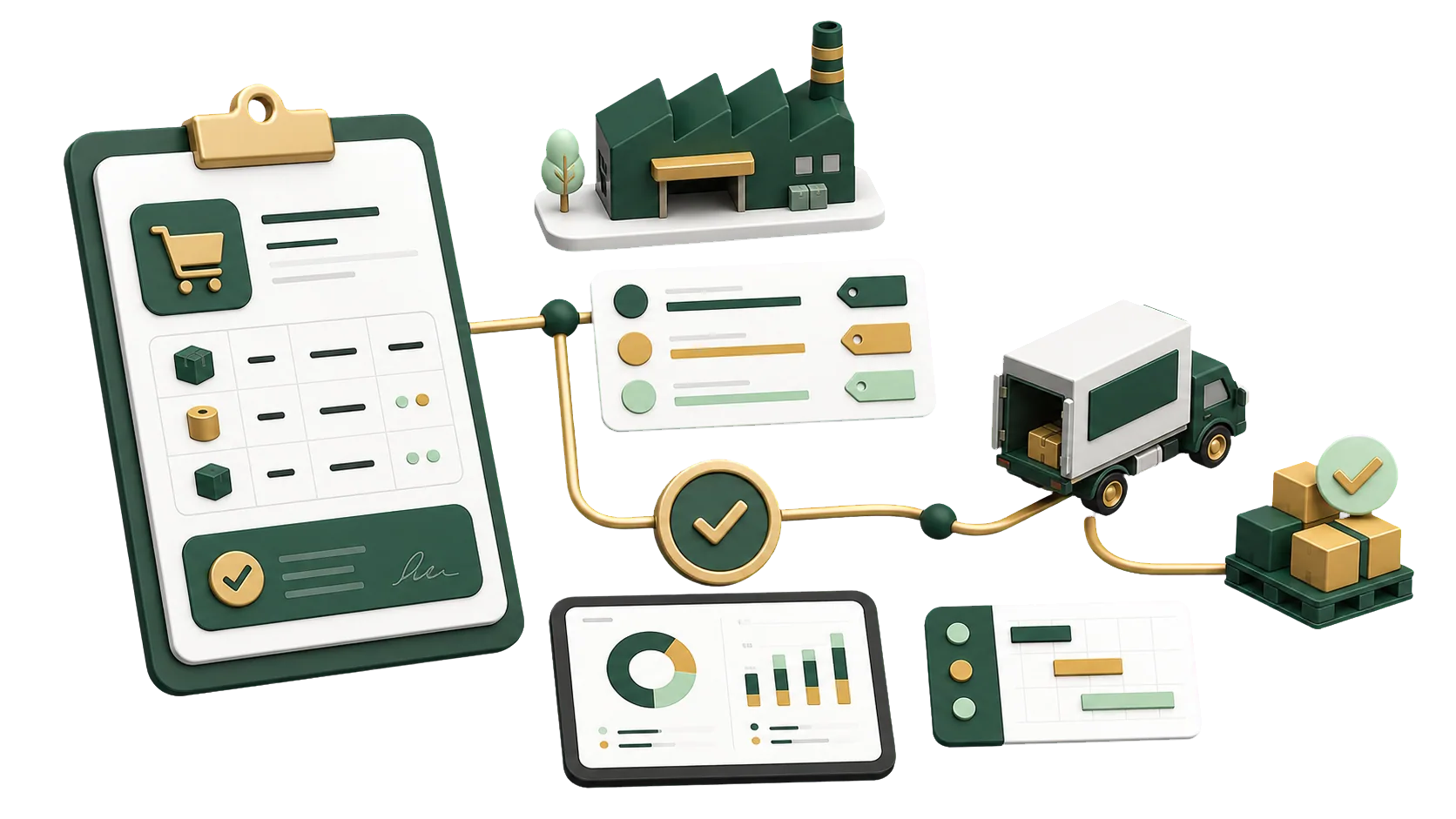
Approved requests, compared quotes, received goods and matched invoices, in that order.
In ERPNext a department’s need is logged as a Material Request and sent to suppliers as a Request for Quotation. Their replies come back as Supplier Quotations you can compare line by line, and the winning quote becomes the purchase order.
The ERPNext Purchasing module takes you from purchase request to purchase order, updating stock and accounts along the way.
In ERPNext each purchase order starts from an approved request and closes with the Purchase Receipt and the supplier invoice. Buyers see its status without chasing emails.
The warehouse needs packing material this week, and the request is still waiting for a signature in someone’s inbox.
Quotes arrive as PDFs, chat messages and phone calls, and the buyer rebuilds the comparison by hand.
A supplier delivers short, and the gap only surfaces when the invoice arrives for the full quantity.
Purchasing, the warehouse and finance each keep a copy of the order. The copies never agree.
ERPNext purchasing reports cover purchase requests, supplier quotations, purchase orders and supplier invoices. Management sees open requests, spending and where each supplier stands.
Filter Material Requests by status, warehouse and date to see what is still open.
Supplier Quotation Comparison lines up each supplier’s price for the same item.
Purchase Order Analysis shows what has been received and billed on each order.
Match supplier invoices to orders and receipts before you pay.
Order history and invoices for each supplier.
What was ordered, what arrived and what is still due.
Spending by supplier, item or period.
Requests still waiting for approval, and orders still waiting for receipt or invoicing.
Each supplier record holds its contacts, past quotations and orders, so buyers can weigh history as well as price.
Quotes, terms and past orders are on screen together when you choose.
When a buyer leaves, contacts and past dealings stay on the supplier record.
Purchasing, the warehouse and finance all work from the same purchase order.
The order tracks what was received and billed, so short deliveries show up before you pay.
Purchasing setups depend on approvals: who can request, who signs off, and up to what amount. We agree on those with you first, then build the cycle from material request to supplier invoice.
Talk to an ERPNext expertWe map how you buy into ERPNext, from internal requests to supplier invoices.
Suppliers, request types, approval steps and warehouses, arranged around your purchasing rules.
Purchase orders and invoices reach inventory and accounting without re-entry.
Your buyers get help from people who know their setup, well after go-live.
Orders keep going out while we set things up.
We review how requests are raised, who approves them and where suppliers slow you down.
Supplier records, request types, approval steps and purchase order formats.
Receipts update inventory, and supplier invoices post to accounts payable.
Buyers, storekeepers and finance each learn their part of the cycle.
Yes. Requests, supplier quotes, purchase orders and invoices are linked, and we set up approvals to match your company.
Yes. Send one Request for Quotation to several suppliers, record each Supplier Quotation and compare them before you decide.
Yes. You can create a Purchase Order directly from a Material Request or from the winning Supplier Quotation.
Yes. Purchase Receipts update stock and Purchase Invoices post to accounts payable, so purchasing, the warehouse and finance see the same order.
Each supplier keeps its quotation and order history, which you can check before placing the next order.
Pick the service you need, leave your details, and we will get back to you shortly.
Tell us who raises purchase requests and who approves them, and we’ll outline a purchasing setup that fits.
Purchasing feeds Inventory with every receipt and Accounting with every supplier invoice, which makes those two the usual next step.