
Scattered customer data
The number is in one rep’s phone, the last quote in another rep’s email.
CRM software in Saudi Arabia
Use ERPNext CRM to track every lead, conversation and follow-up, from first contact to quotation.
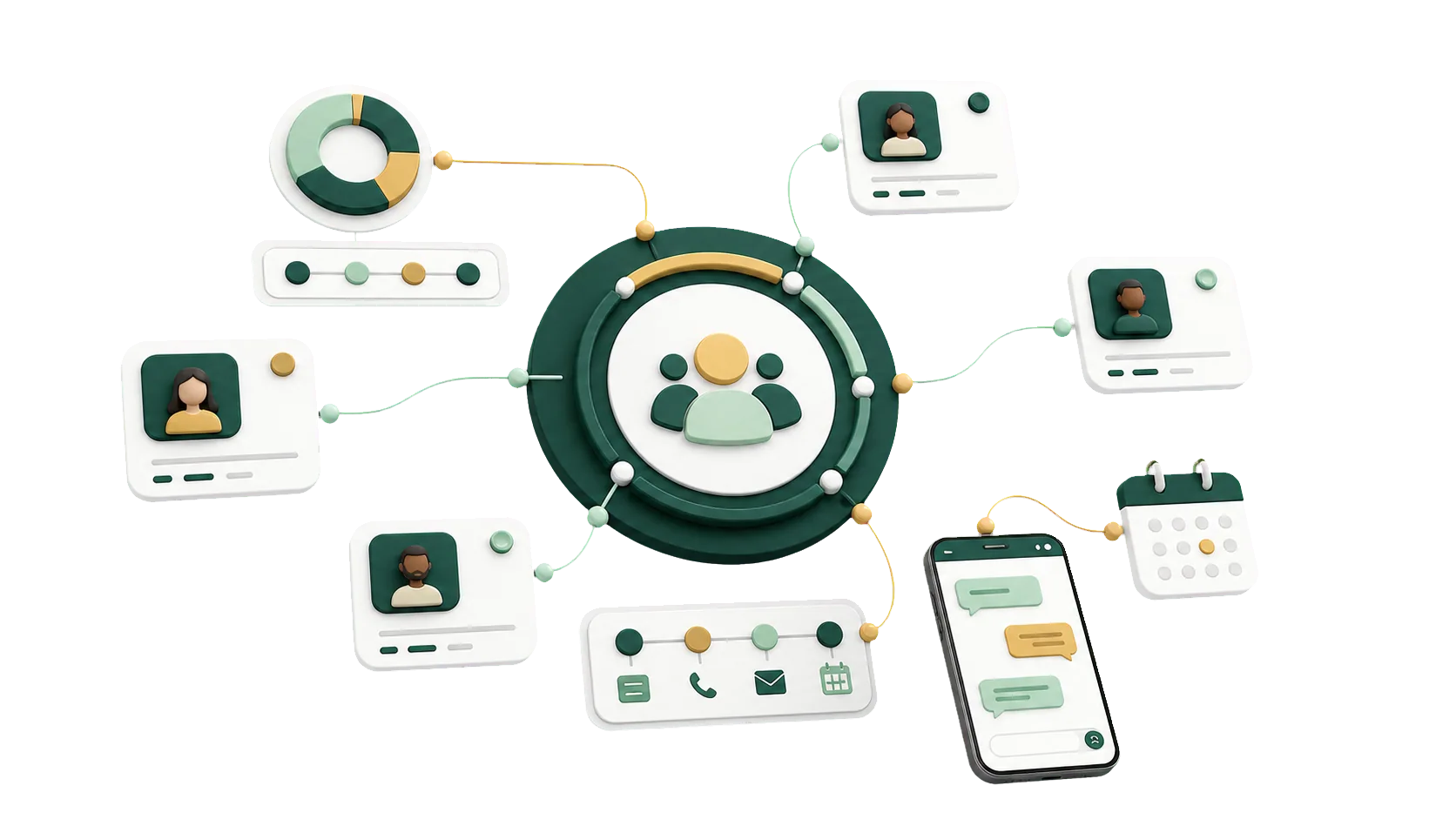
An open source CRM that works in Arabic and fits the way you sell. Every follow-up has an owner and a date.
A salesperson resigns, and their WhatsApp threads and tracking sheet leave too. In ERPNext, each inquiry starts as a Lead and becomes an Opportunity with a stage, an owner, notes and a next step. The history stays with the company when the rep moves on.
ERPNext CRM keeps customers, follow-ups and opportunities in the same database as your quotations and invoices.
Most of these start the same way: customer history kept in people’s phones instead of shared records.
The number is in one rep’s phone, the last quote in another rep’s email.
An inquiry from the website has no owner, so the callback waits until the customer buys elsewhere.
Ask where a deal stands and each rep tells you something different.
Promised callbacks are kept in personal notebooks. One slips, and the customer stops waiting.
Because CRM is part of ERPNext, a rep looking at a customer also sees the quotations, orders and invoices behind the relationship.
Contacts, addresses, quotations and past emails on the Customer page, so any rep can pick up the account.
Record each Lead with its source and status, then convert it to an Opportunity.
Each Opportunity carries a sales stage, owner, amount and expected closing date.
Assign a record with a due date. It stays on the salesperson’s To Do list until done.
Create a Quotation, then a Sales Order, from the Opportunity. Customer and items carry over.
Group customers by Customer Group, Territory and industry, group leads by source, and filter follow-up lists by any of them.
Sales Pipeline Analytics shows open opportunities by stage and owner. The Sales Funnel shows how many leads turn into orders.
Roles and user permissions decide who sees which customers and who can edit an opportunity.
CRM comes with ERPNext. Getting reps to use it depends on agreeing on the stages, who owns a new lead and when a follow-up counts as late, then setting ERPNext up around those answers.
Talk to an ERPNext expertYour path from first inquiry to signed quotation, drawn out before anything is set up.
Sales stages, lead sources, customer groups and territories carry the names your team already uses.
Opportunities turn into quotations and sales orders, so CRM and sales work from the same records.
When you add a territory or change a stage, the IBAN team adjusts the setup with you.
We begin with a conversation with your sales team and finish when they plan their day from ERPNext.
We find where leads get lost and replies slow down today.
We agree on sales stages, lead sources, and who can see and edit which records.
We switch on CRM and connect it to quotations and sales orders.
Your reps learn to work leads, opportunities and their daily To Do list.
Yes, if you want leads and follow-ups next to your quotations, sales orders and invoices. We size the setup to your sales team.
Yes. A Lead holds the source, status, owner and notes. Once the interest is real, convert it into an Opportunity.
Yes. The Opportunity form records the status, amount, sales stage and owner, and you can assign the next step as a To Do.
Yes. You create a Quotation from an Opportunity and a Sales Order from the Quotation, without re-entering the customer or items.
Yes. You define your own sales stages, lead sources and permissions, whether you sell services, trade goods or run a field team.
Pick the service you need, leave your details, and we will get back to you shortly.
We shape the stages and follow-up rules with your sales team, so every customer record shows its opportunities, open follow-ups and next step.
The opportunity becomes a quotation, a sales order, a delivery and an invoice, handled in the modules below.