
Depreciation done by hand
With every asset and every period in one workbook, a single broken formula carries into every month after it.
Asset management in Saudi Arabia
The ERPNext Asset Management module handles your fixed assets, depreciation and maintenance, and tracks their book value.
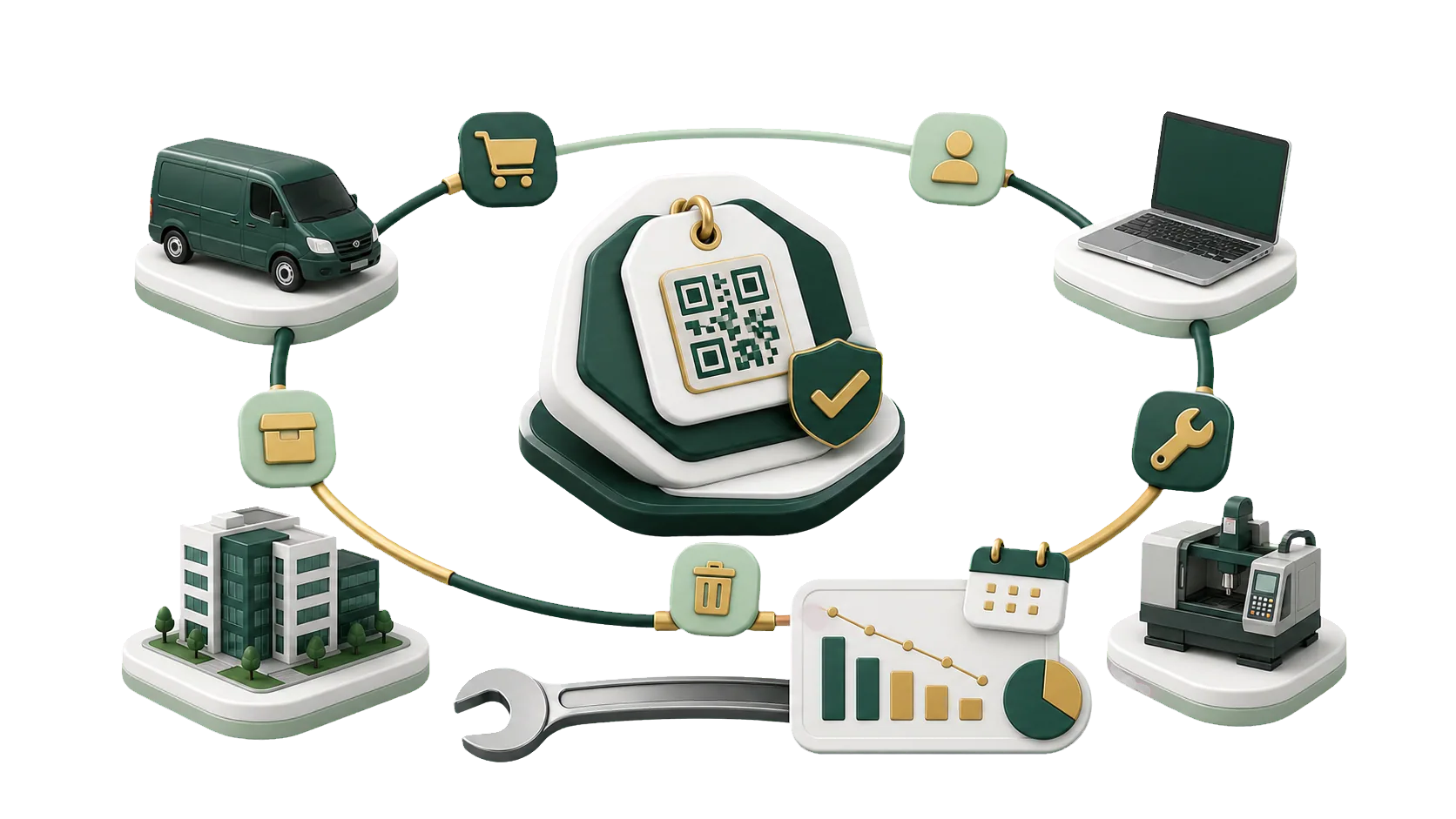
From the delivery van to the production line, finance and management look up the same asset record.
Machines in the factory, vans at the branches, furniture at head office. At year-end, finance asks where a van is and what it’s worth, and the answer is split across a spreadsheet and a paper ledger. ERPNext keeps one record per asset with its location, custodian, status and value.
Moving your asset register into ERPNext? Tell us roughly what you own and we will plan the move with you.
ERPNext builds a Depreciation Schedule for each asset and posts every line to accounting on its date. Without one, these are the problems finance teams run into.
With every asset and every period in one workbook, a single broken formula carries into every month after it.
If depreciation isn’t posted against the asset, the register and ledger drift apart until audit time.
Depreciation worked out outside accounting means keying entries at month-end while the close waits.
Selling, scrapping or replacing an asset is a guess when its location, condition and value are kept in different files.
A major overhaul, an upgrade, a revaluation or damage can change what an asset is worth. In ERPNext you record the new value against the asset, and the change flows to accounting, depreciation and reports.
Purchase amount and current value, side by side on each asset.
Each change is an Asset Value Adjustment, showing when the value moved and why.
The adjustment posts to the ledger and recalculates remaining depreciation.
Reports show the new figure as soon as the adjustment is submitted.
Start from the Fixed Asset Register, filtered by category, location or status. The views below cover the rest.
Purchase value, accumulated depreciation and book value for each asset, side by side.
In maintenance, out of order, sold or scrapped, without asking the department that holds it.
Depreciation by period and method, with each amount traced to its journal entry.
Which branch or department holds each asset, ready for the next physical count.
Assets sold, what they sold for, and the gain or loss booked on each sale.
Assets taken out of service, when they were scrapped and the value written off.
Every change to an asset’s value, with the figure before and after.
Each Asset Category carries its own depreciation method, useful life and accounts.
When you sell a used vehicle or machine, finance needs its book value on the sale date and the gain or loss that goes with it. IBAN sets up ERPNext so the sale runs through a Sales Invoice: the status changes to sold, the gain or loss is booked, and the asset leaves the active register.
Talk to an ERPNext expertAn asset’s record starts with the document that bought it. Location, category and depreciation are set once, and its value is in your reports from the day it is submitted.
Receive a fixed asset item on a Purchase Receipt or Purchase Invoice, and ERPNext can create the asset record for you to complete and submit.
The method and number of periods come from the Asset Category, and the Depreciation Schedule is built from them.
The purchase invoice posts the asset cost, so finance doesn’t enter it twice.
Location, status and custodian are on the record from the day it is registered.
Asset management only works if the setup matches your asset types, depreciation method, locations and permissions. IBAN sets ERPNext up around them, so you can follow each asset from purchase to sale or scrapping.
Talk to an ERPNext expertWhat you own, where it is and how finance values it today, before anything is set up.
Categories, locations, depreciation rates and permissions follow your policy and each department’s needs.
Each asset category maps to the right accounts, so invoices, depreciation and financial reports agree.
New branch, new asset class, changed policy: the IBAN team adjusts the setup with you.
We set up asset management alongside your daily work, so finance doesn’t pause while the register moves over.
We learn what you own, how you record it, and how you track status and value today.
We define asset categories, locations, depreciation rates and permissions.
We switch on Asset Management and connect it to accounting, purchase invoices and reports.
Your team practices registering assets, running depreciation and recording sales and scrapping.
An asset that can’t be repaired stays on the books until it is scrapped. In ERPNext, scrapping sets the status and posts the write-off to accounting in one step.
Scrap an unusable asset from its record, and it leaves the active register.
Add a note on the asset explaining why it left: damage, end of useful life, or no longer needed.
Scrapping posts a journal entry that writes off the remaining book value.
Scrapped assets keep their record with a final status, and the active register lists only what you still hold.
Yes. It fits companies that track asset value, status and depreciation and want every entry to reach accounting.
Yes. Each record holds value, location, category, custodian and status, ready for a physical count or an audit.
Yes. Set the method and useful life to match company policy. ERPNext builds the schedule and keeps book values current.
Yes. Sell through a Sales Invoice or scrap from the asset record. The status changes and the gain or loss posts to accounts.
Yes. Purchase invoices, depreciation and disposals post to the General Ledger, so finance can tie the register to the Balance Sheet.
Pick the service you need, leave your details, and we will get back to you shortly.
We move your asset register into ERPNext, from the first asset category to the first depreciation run.
Assets arrive through Purchasing and end up in Accounting. These are the other modules in ERPNext.