
Late visibility on production status
Sales promises a ship date, and the floor supervisor is the only one who knows whether the order has started.
Manufacturing module in ERPNext
Manage work orders, bills of materials, operations and production cost with the ERPNext Manufacturing module.
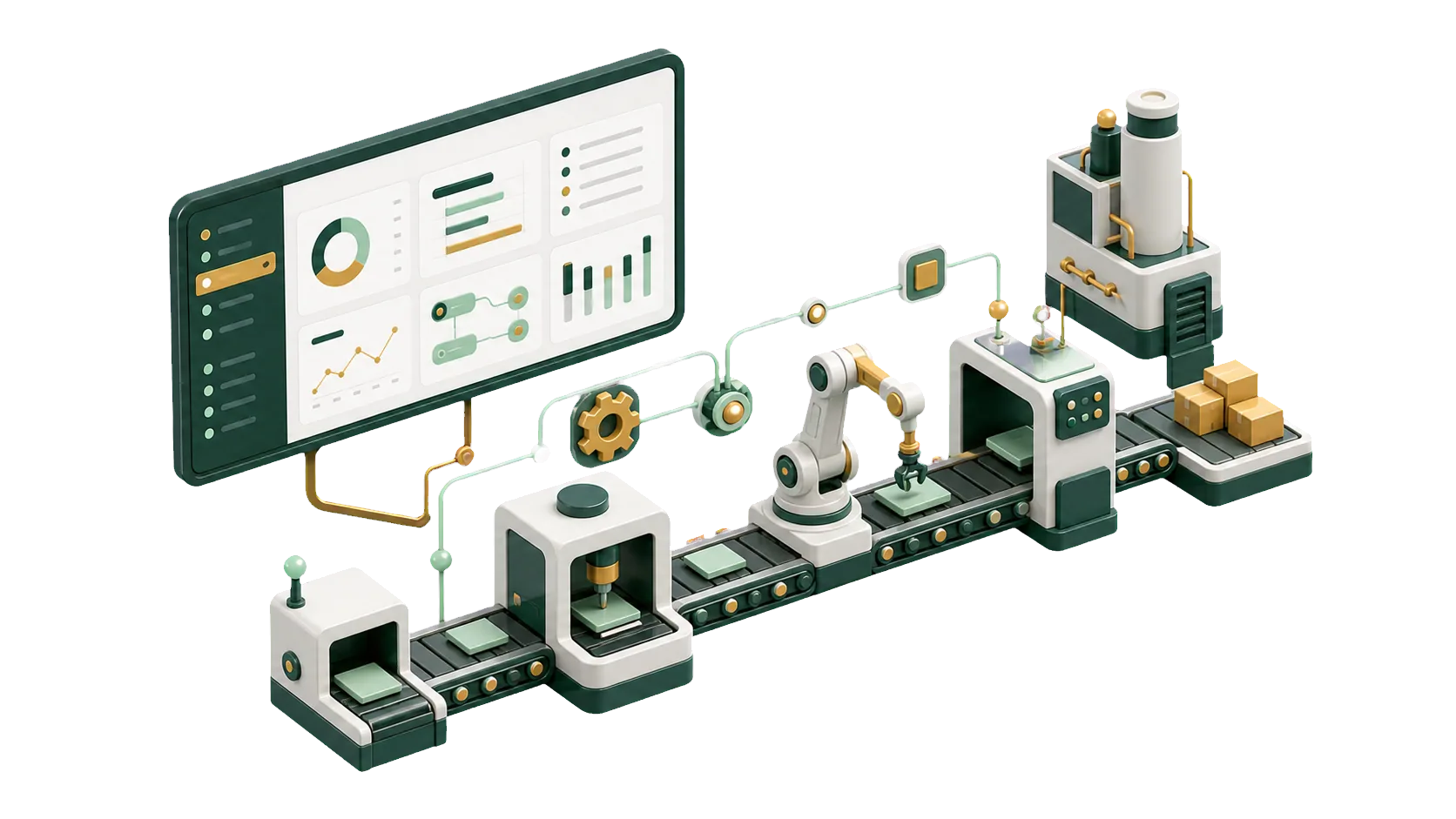
Work orders, material issues and operations that update inventory and accounting.
Production starts with the Work Order. It sets the item, quantity, materials and operations, and everyone from the planner to the supervisor reads status from it. ERPNext follows each order from planning to completion and links it to stock, cost and quality.
Tell us what you make and how many lines you run, and we will walk you through how production would work in ERPNext.
When work order, material and cost figures live in different files, the report is stale before anyone reads it. ERPNext builds it from the transactions themselves.
Sales promises a ship date, and the floor supervisor is the only one who knows whether the order has started.
Finished and scrap quantities go on paper and get typed in later. Every review starts with a recount.
Material use is in the storekeeper’s records, labor in a payroll file, overheads in accounting. The real cost of one order is a guess.
Inventory, quality and production each keep their own numbers. The monthly report arrives late and still has gaps.
For every work order you see its status and cost, what was issued and what was produced.
Set the item, quantity and target warehouse before production starts, or generate the order from a Production Plan.
Each BOM lists raw materials, operations and scrap, so every run starts from the same recipe.
Transfer raw materials against the Work Order and compare what was issued with what the BOM requires.
Split the process into operations. Each Job Card shows what is done and what is still open.
Materials, workstation hours and additional costs roll up into the cost of each Work Order.
Attach a Quality Inspection to the operation or the finished goods entry before the item goes into stock.
Output, scrap, consumption and order status in the standard manufacturing reports.
The Manufacture entry consumes raw materials, adds finished goods to stock and posts the value to accounts.
Each work order gets its raw materials through a Stock Entry. Stores, production and accounts then work from the same quantities: issued, consumed and left over.
Raw materials leave the store against a specific Work Order, visible to store and floor alike.
Record what production actually used. Compared with the BOM, the difference shows where waste happens.
Consumed materials are valued into the Work Order cost at their stock valuation rate.
Check the Stock Balance before and after a run.
Work orders are the part everyone sees. Behind them are BOMs, workstations, material transfers, costing and quality checks, and each of those has to match how your plant runs.
Talk to an ERPNext expertWe follow a real order from the store to the finished goods warehouse before setting anything up.
Your recipes, routings and scrap rates, entered as BOMs and operations your supervisors recognize.
Material movements update inventory and carry their cost into accounting, with quality checks on the same orders.
When you add a product line or change a routing, the IBAN team updates the setup with you.
We plan the switch so production keeps running while your team moves over.
We review your work orders, raw materials, operations and the daily problems on the floor.
We prepare BOMs, workstations, operations and permissions for your plant.
We switch on the Manufacturing module and connect it to inventory, quality and accounting.
Planners, storekeepers and supervisors practice Work Orders, material transfers and Job Cards on your own products.
Yes, including smaller plants. Work orders, raw materials and operations connect to inventory, quality and accounting.
Yes. You create a Work Order, set the item, quantity and BOM, and follow each operation through Job Cards until it is complete.
Yes. You transfer raw materials from the store to the Work Order, and the order shows required, transferred and consumed quantities.
Yes. Stock entries made from the Work Order update inventory and post to accounting, so production cost lands in your books.
Yes. Operations and Job Cards show what each line has finished and what is waiting.
Pick the service you need, leave your details, and we will get back to you shortly.
IBAN sets up ERPNext Manufacturing around your plant: work orders built from BOMs, materials issued per order, and operations tracked on Job Cards.
Purchasing buys the raw materials, Inventory holds them, Sales ships the product and Accounting records the cost.